Email for Windows
Email worth opening.
Read, reply and get on with your day. Bring your own agent when an email needs more than an answer.
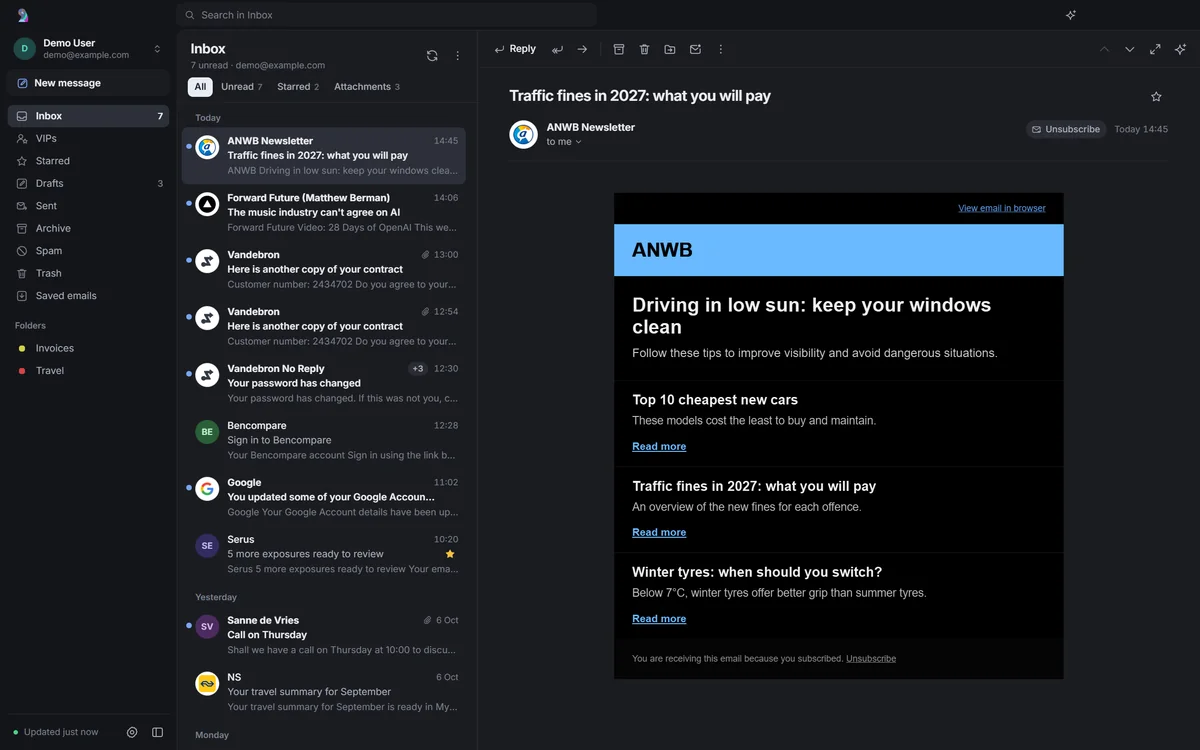
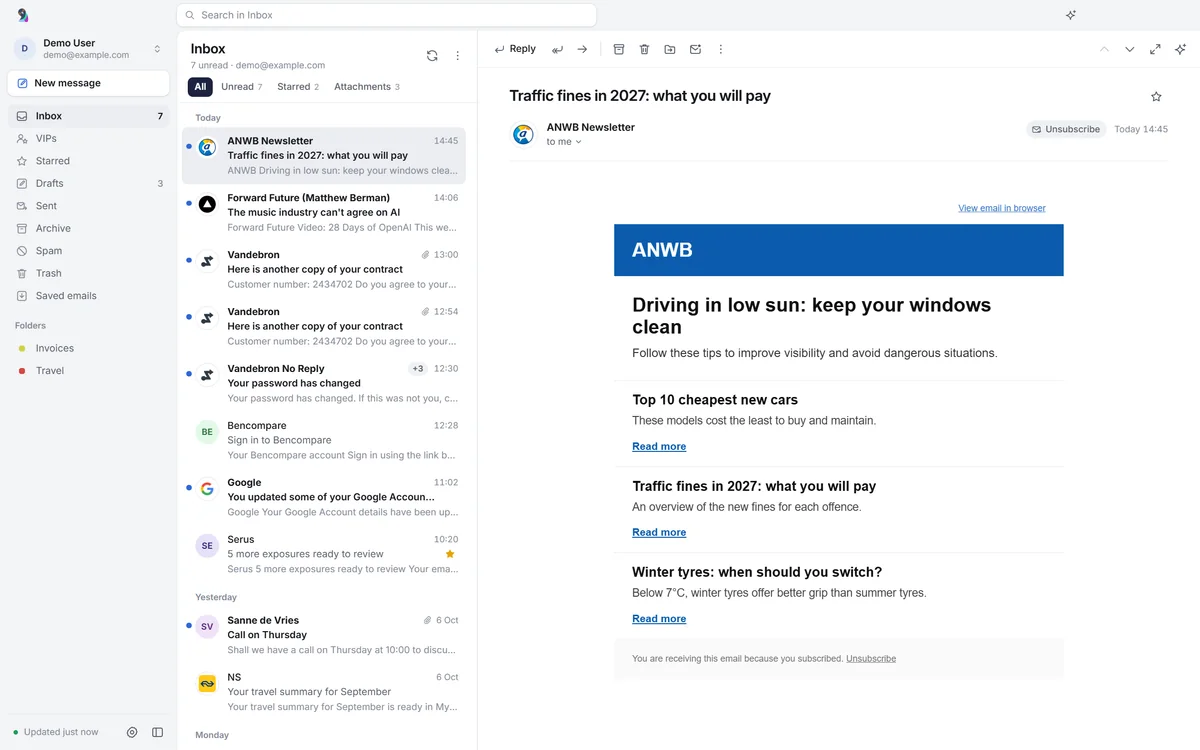
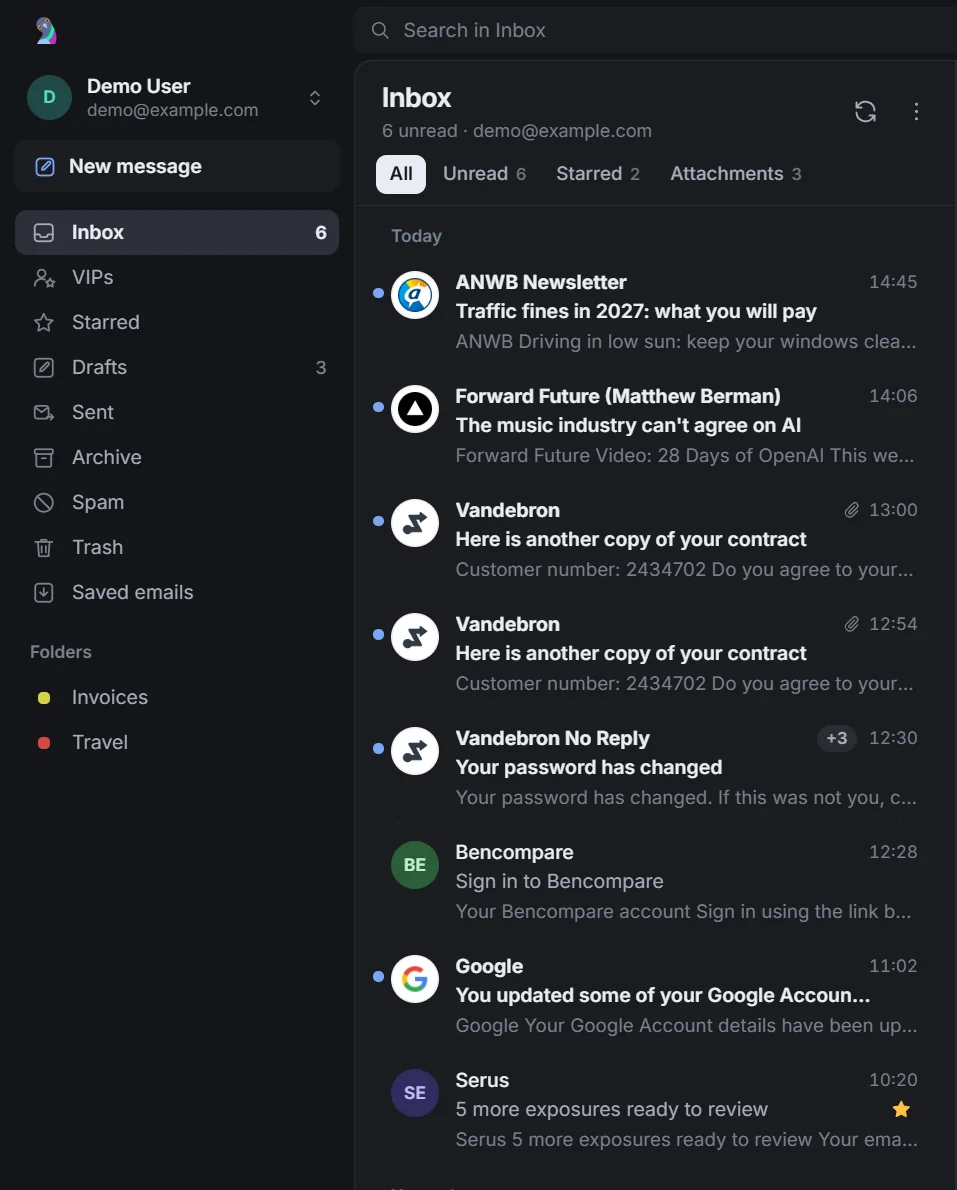
Open to the newest message.
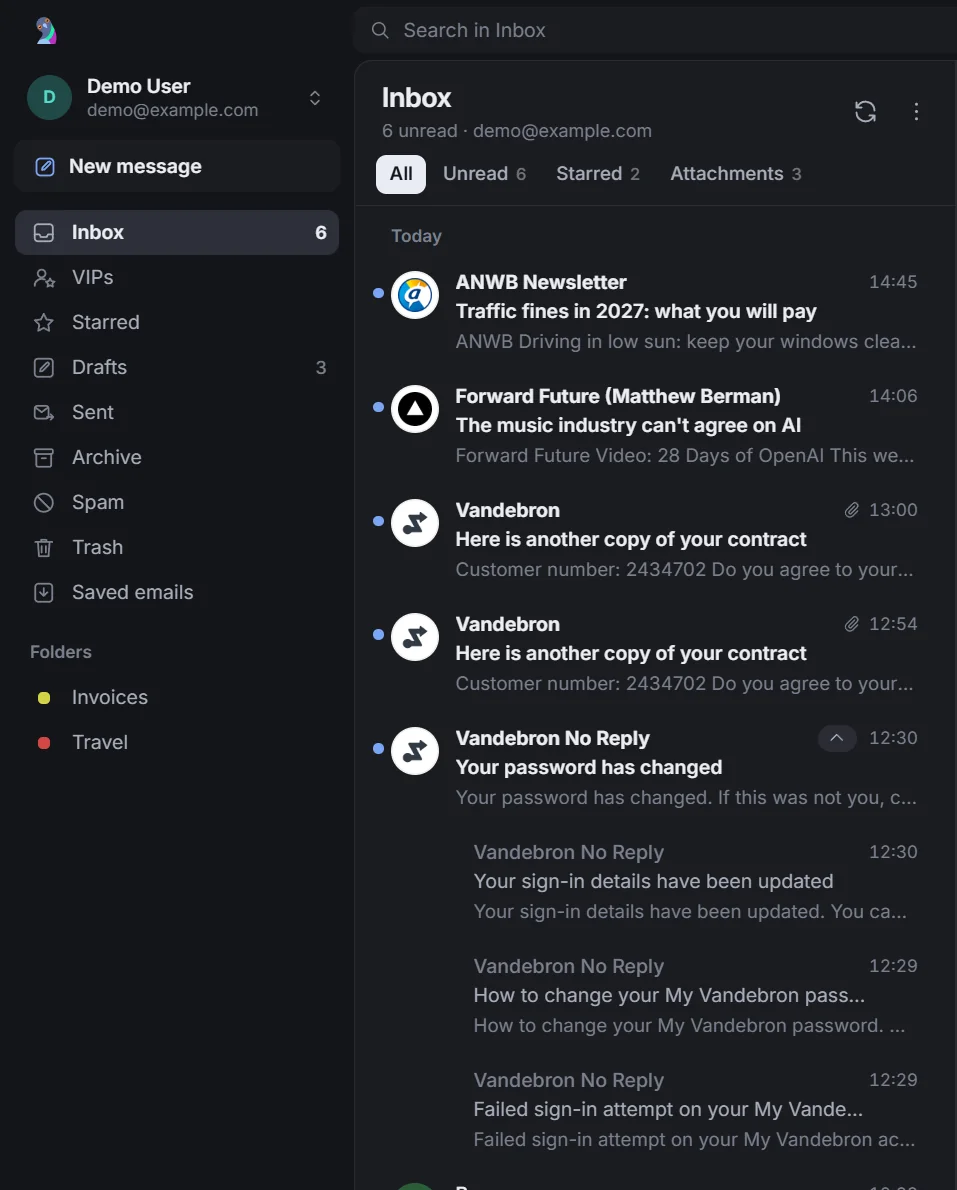
The newest message opens when you start. Mail from the same sender folds into one row. Search your downloaded mail across accounts from the title bar.
- All accounts
- Sender stacks
- Local mail cache
It stays unread until you open it yourself.
Reply right where you're reading.
Write in the reading pane. Select text to format it. Keep the earlier email tucked away, or leave it out of your reply. Drafts save as you write.
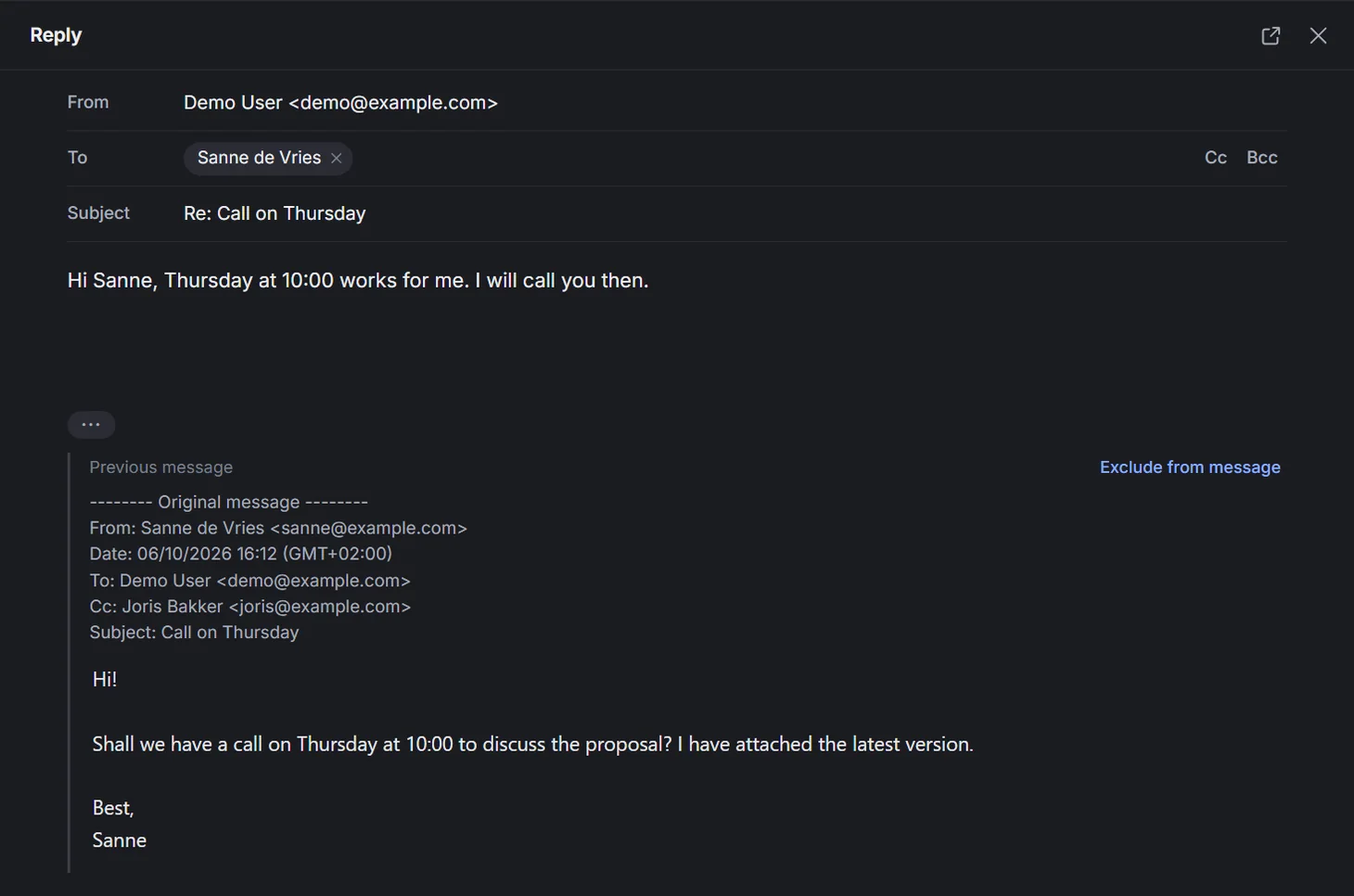


- Inline replies
- Automatic draft saving
- Attachment cards
Hand this one to your agent.
Bring Hermes Agent, Claude Code or Codex, with its own tools and memory. It drafts in your composer. You read it and send. Your agent cannot send mail through Rukoo.
- Hermes Agent
- Claude Code
- Codex
Hi! Shall we have a call on Thursday at 10:00 to discuss the proposal? I have attached the latest version. Best, Sanne
Bart's Hermes agent is called Clark. Bring your own.
Quick actions, also available as slash commands
- Draft a reply
- Brief me
- Plan follow-ups
- Tell the team
- Update systems
- Unsubscribe
- Summarize
- What needs me today?
"What needs me today?" appears when no email is open.
See the plan. Make the call.
Follow-ups become a plan beside the email. Rukoo asks before proposed updates change another system or reach other people. Your agent's own permissions still apply.
Connections to other systems come from your agent.
Agents can draft replies through Rukoo, but cannot send them.
Connect your own agent in Settings, or leave the panel closed.
One email, start to finish.
Watch Clark draft a reply to Sanne and plan the follow-ups.
Keep your hands on the keyboard.
Start a reply, find a message or move mail without reaching for a menu. Deleted, archived or moved the wrong email? Ctrl+Z brings it back.
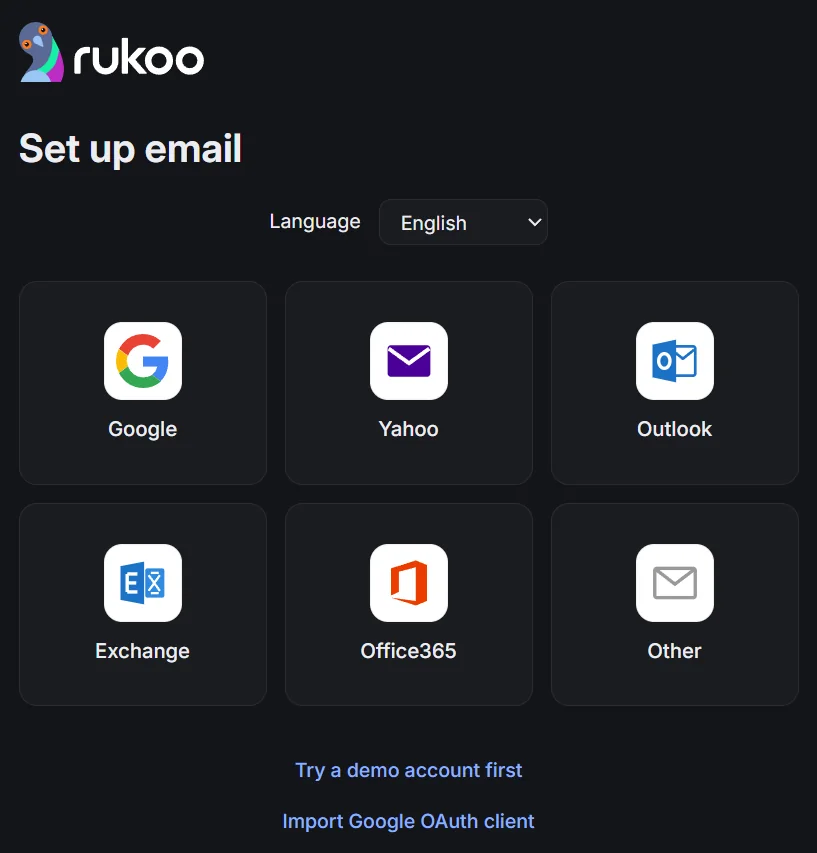
Bring your inbox.
Gmail and Google Workspace use "Sign in with Google". Setup currently needs a Google OAuth client. Other providers use IMAP/SMTP with password sign-in. Microsoft accounts requiring OAuth are not supported yet.
- Gmail
- Google Workspace
- IMAP and SMTP
- Import your Google OAuth client during setup. Google may show an unverified-app warning. A Workspace admin may need to approve access.
- Try the demo account without entering credentials.
Know what stays on your computer.
Your chosen agent processes the mail it reads using its own setup.
- Encrypted credentials
Passwords and tokens use Windows DPAPI encryption.
- Local mail cache
Mail is cached locally; agent chats stay on your computer.
- Optional sender logos
Sender logos fetch images from company websites. Switch them off in Settings if you prefer.
Why I built this.
I spend enough time in email to care what it feels like. There are only bloated email apps or web apps. I wanted a good app that's fast, smart and sexy. So I built Rukoo Mail for Windows.
For me, that starts with the small stuff. Open the app and there's the newest message. Write a reply right where you're reading. Move something by mistake and undo it. Keep your hands on the keyboard.
I help founders put AI agents to work at bvdm.ai. Mine is called Clark. I wanted to hand him an email and get a draft back in the composer, with his own tools and memory still available. I read it. I press Send. Rukoo gives agents no way to do that for me.
You can bring your own agent, or leave the panel closed. It still needs to be a good email app.
And yes, "rukoo" is a pigeon's coo. They have some experience with mail.
Give your inbox a new home.
Rukoo Mail for Windows. Free and open source, with an installer and a portable .exe. Pick your download and open your inbox.
View the source on GitHubWindows may show a SmartScreen prompt because this build is unsigned.
Before you move in.
A few things to know before you download.
Is there a Mac version?
No. Rukoo Mail is Windows only.
Will my Outlook.com account work?
Most Outlook.com accounts need Microsoft OAuth, which Rukoo does not support yet. Some Microsoft 365 accounts have the same limit. Exchange works with password-based IMAP/SMTP; Exchange ActiveSync is not supported.
Is it free?
Yes. Rukoo Mail is free and open source under the MIT license. You connect your own agent separately.
Does the agent see all my mail?
It can read the open email and search downloaded mail across accounts. Its access is broader than one message. Search covers the newest 300 inbox messages and 100 per other folder. Your agent's own permissions also apply.
Do I need an agent?
No. Rukoo works as an email app on its own. To use the panel, connect Hermes Agent, or install and sign in to Claude Code or Codex.
Where is my data?
Account data, cached mail and agent chats live in %APPDATA%\Rukoo Mail\data. Older mail stays on your mail server. Local chat storage does not mean local AI processing: your chosen agent handles the mail it reads.